Your wine cellar

Wine cellar app:
your cellar in your pocket.

Which bottles do you actually have? And which should you drink soon? With VinoSomm you carry your entire stock with you, captured by scan, sorted, searchable.

  • Always with you
  • Stats at a glance
  • Walkable in 3D
  • Recommendations from your stock
VinoSomm App: Wine cellar app

How it works.

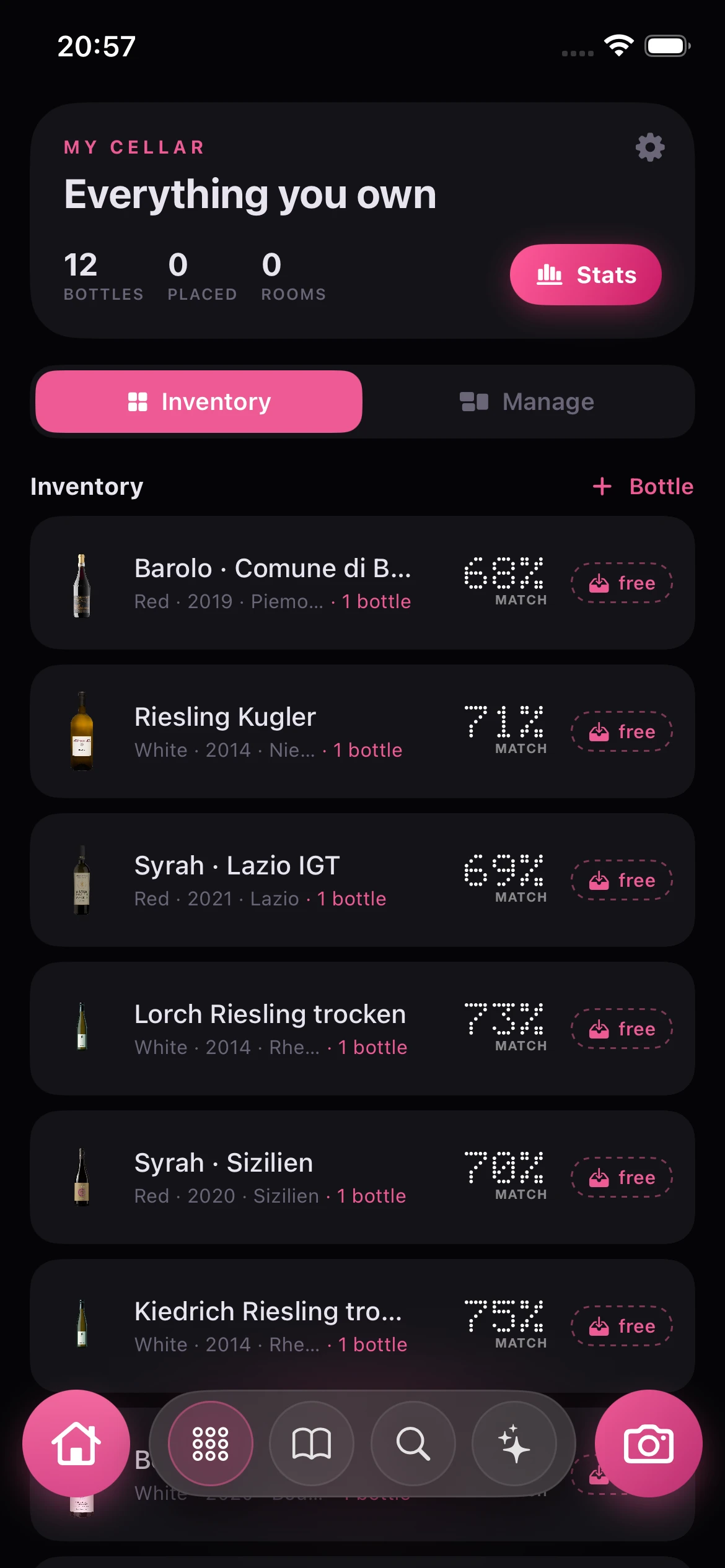
A cellar grows until nobody keeps track. VinoSomm turns it into an ordered collection: every bottle captured by scan, sorted by region, grape and drinking maturity, with your value and stock at a glance. And when you cook, the app recommends what you already own first.

My cellar in the VinoSomm app
Step 1

Capture your bottles

Scan the labels shelf by shelf. VinoSomm files each bottle with all its data.

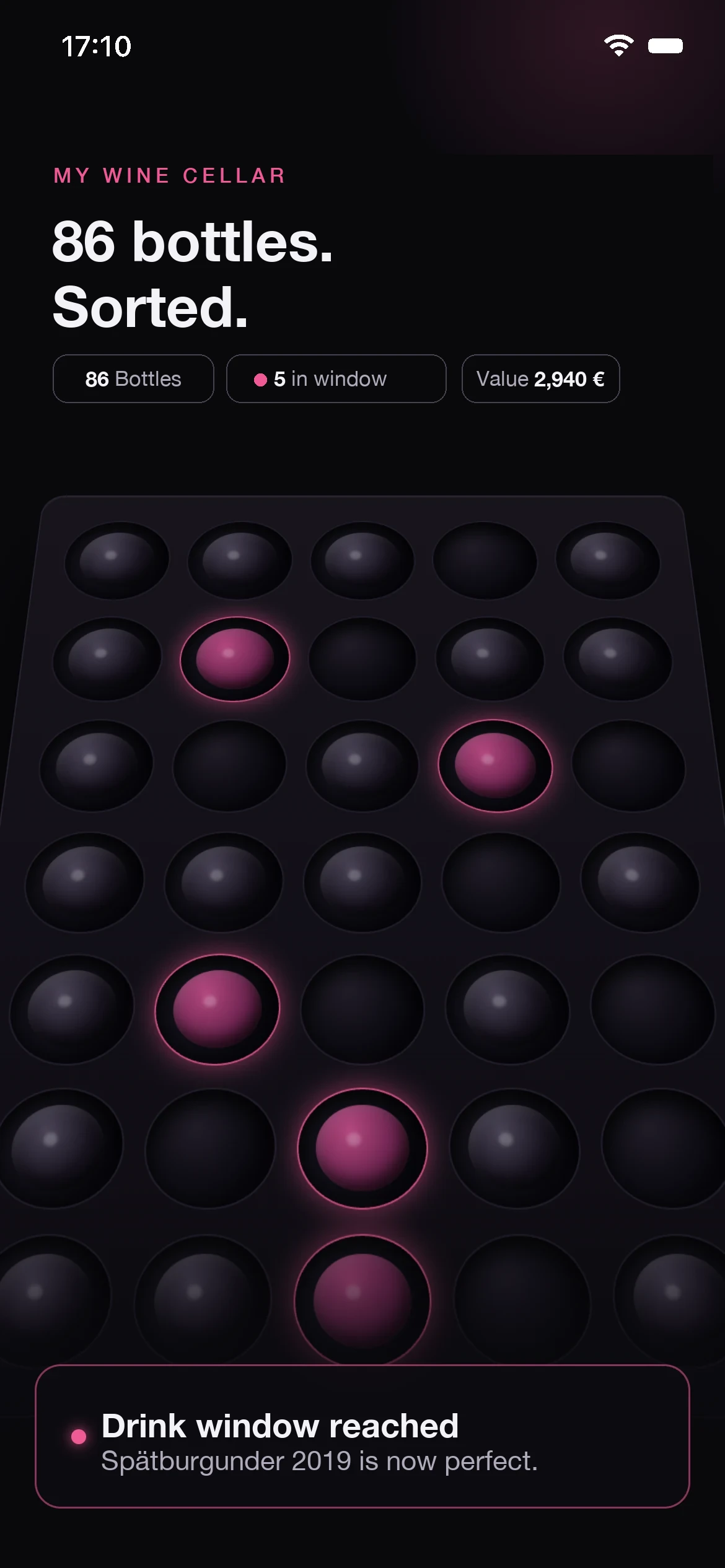
Your cellar in 3D, every bottle in its place
Step 2

Order your cellar

Your stock is sorted by region, grape and drinking window, and walkable in 3D, every bottle in its place.

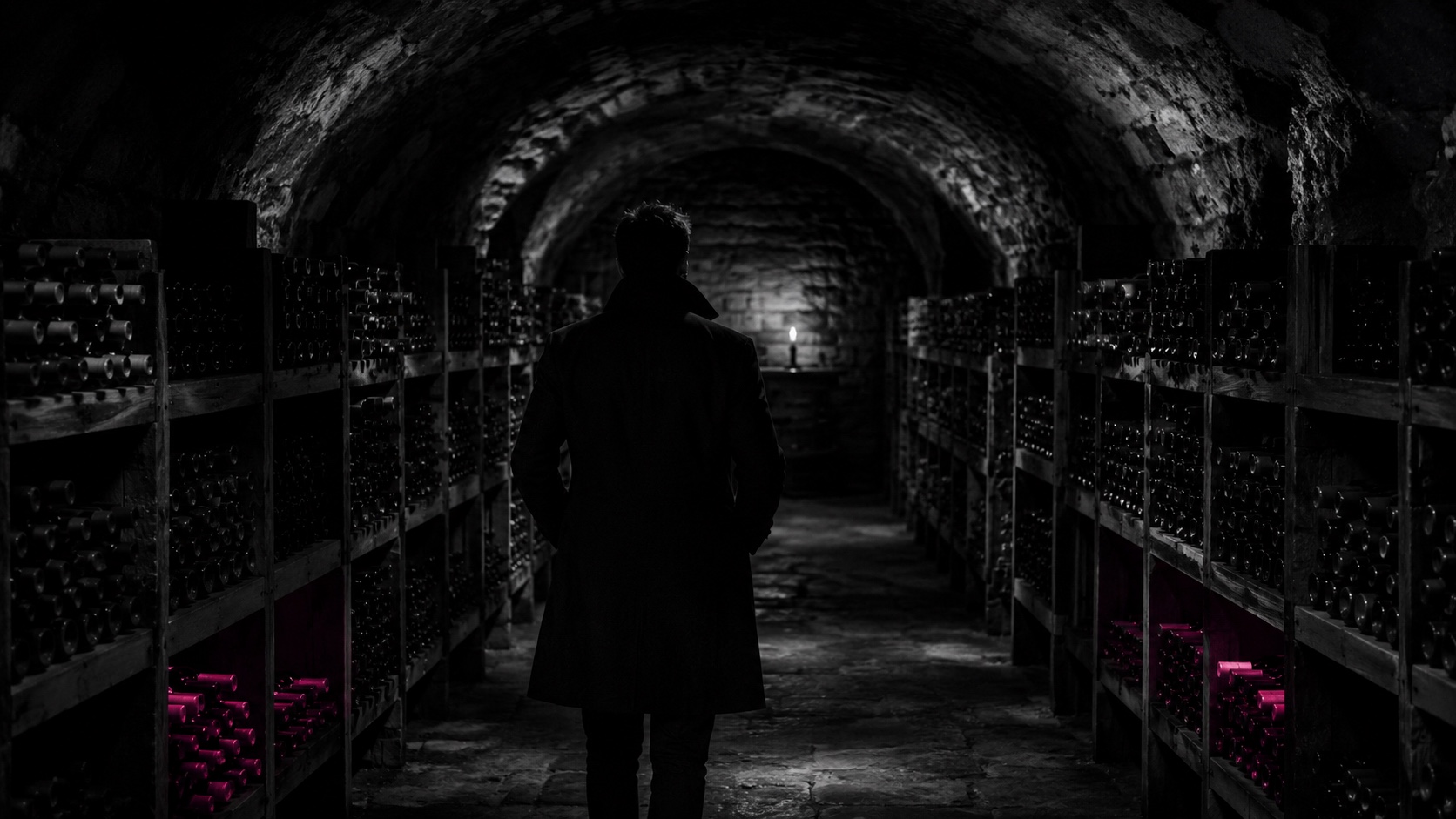
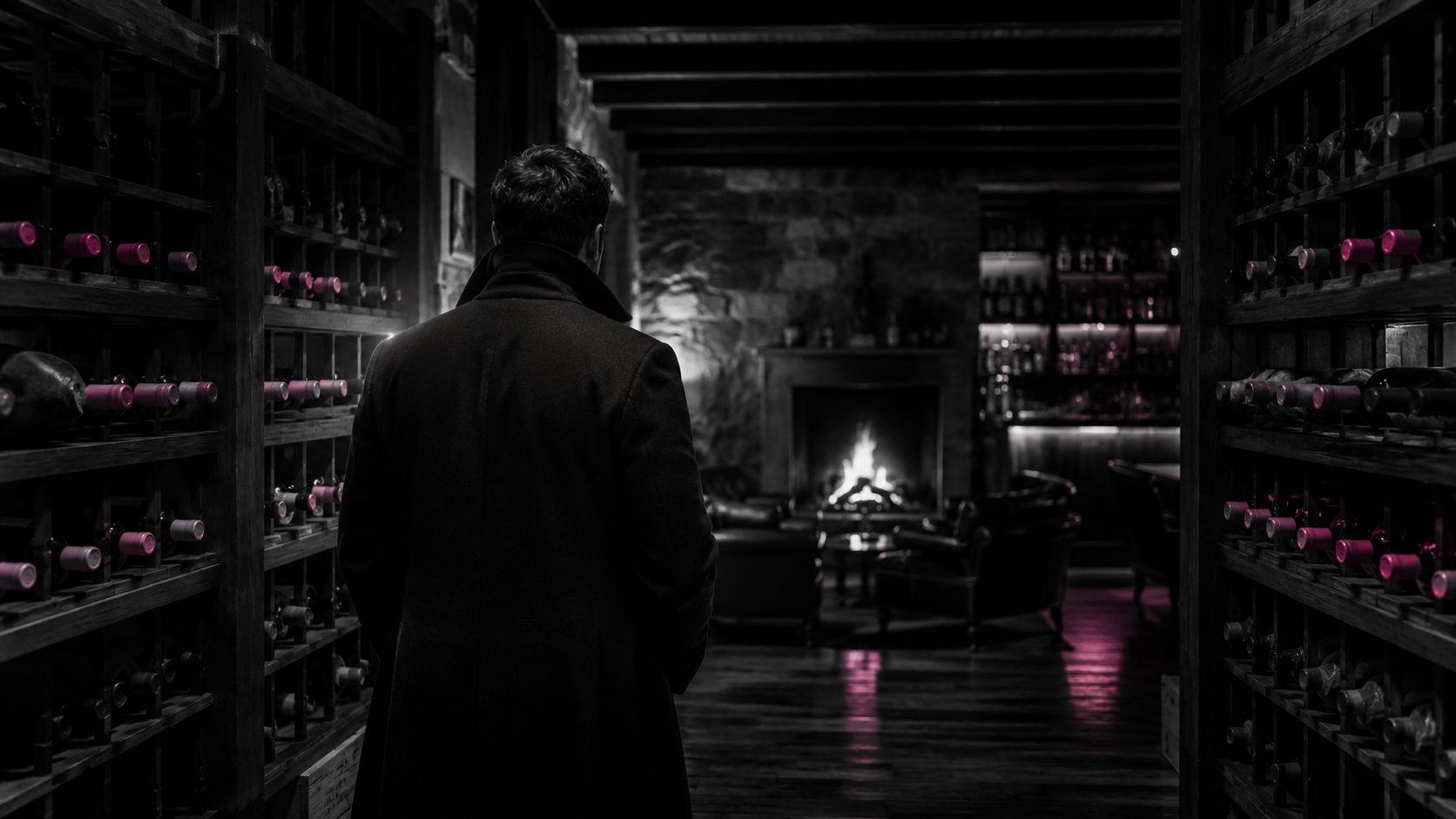
A dark wine cellar with a stone vault, black and white
Step 3

Drink at the right time

The app shows you which wines are in their drinking window right now, so no bottle sits past its peak.

A look inside the app.

A real scan, a real match, a real taste profile.

Your cellar, organized
Walkable in 3D
Walkable in 3D
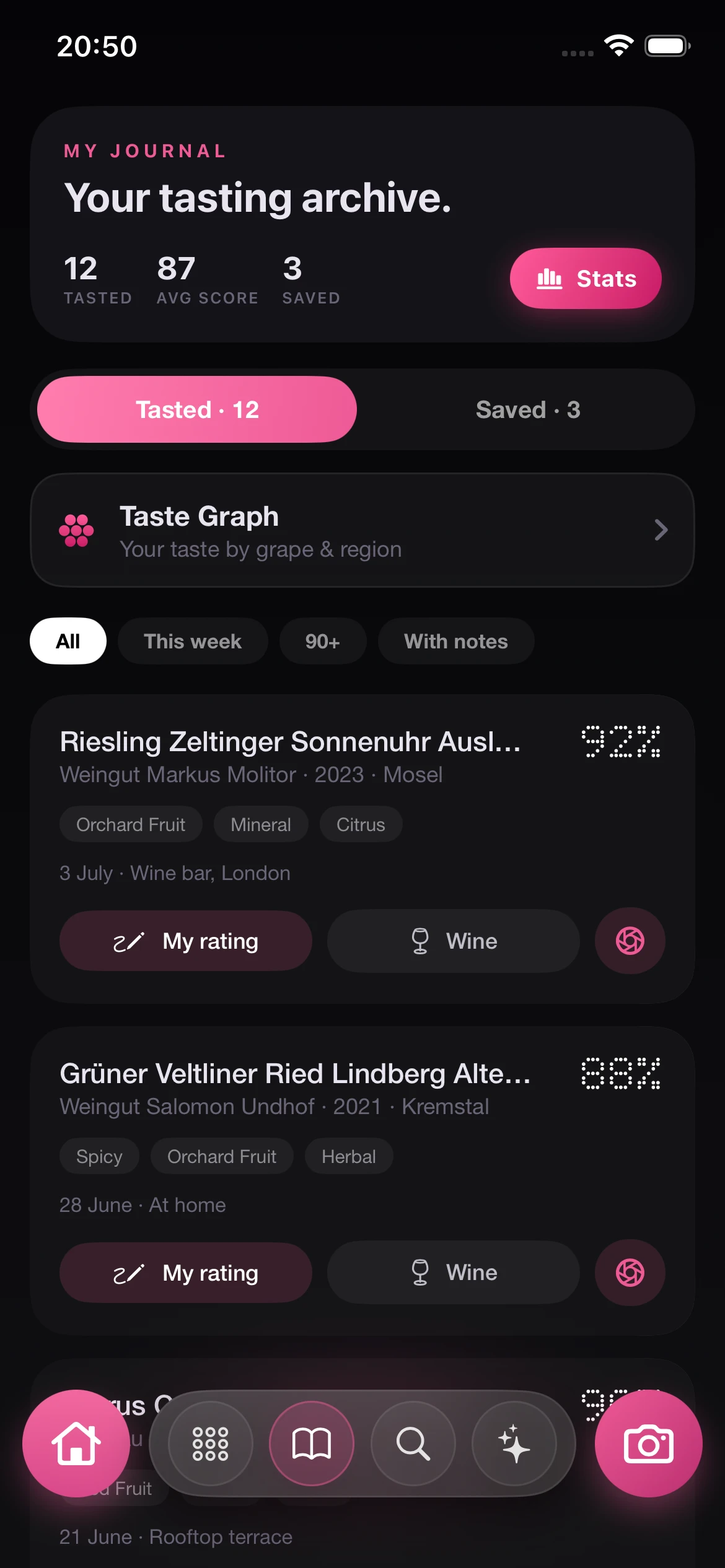
Your archive, searchable

Common questions.

How do I capture my bottles?
By scan: photograph the label, done. VinoSomm recognizes the wine and files it with all its data in your cellar.
Can I see which wines to drink soon?
Yes. VinoSomm flags the bottles that are in their drinking window right now, so you open them at the right time.
Can I search my cellar?
Yes, by region, grape, vintage or occasion. And when you cook, the app recommends straight from your stock.

Your cellar,
finally sorted.